Wholesale Application Form
Wholesale application forms help you collect information from businesses interested in purchasing your products at wholesale prices. This guide covers the wholesale form templates available in Qivra Form Builder.
Why Use Wholesale Forms?
Section titled “Why Use Wholesale Forms?”Wholesale forms help you:
| Benefit | Description |
|---|---|
| Qualify Leads | Screen potential wholesale customers |
| Collect Business Info | Get necessary company details |
| Streamline Process | Standardize applications |
| Protect Pricing | Control who sees wholesale rates |
Available Wholesale Templates
Section titled “Available Wholesale Templates”Wholesale Application Form
Section titled “Wholesale Application Form”A comprehensive form for new wholesale accounts.
Included Fields:
| Field | Type | Required |
|---|---|---|
| Business Name | Text | Yes |
| Contact Name | Text | Yes |
| Yes | ||
| Phone | Phone | Yes |
| Business Type | Dropdown | Yes |
| Tax ID / VAT Number | Text | Yes |
| Business Address | Text Area | Yes |
| Website | Text | No |
| Years in Business | Dropdown | No |
| Annual Revenue | Dropdown | No |
| Product Interest | Multi-Select | Yes |
| Expected Order Volume | Dropdown | Yes |
| Additional Comments | Text Area | No |
Best For:
- B2B businesses
- Manufacturers
- Distributors
- Brands seeking retailers
B2B Inquiry Form
Section titled “B2B Inquiry Form”A simpler form for initial wholesale inquiries.
Included Fields:
| Field | Type | Required |
|---|---|---|
| Company Name | Text | Yes |
| Contact Person | Text | Yes |
| Yes | ||
| Phone | Phone | Yes |
| Products Interested | Multi-Select | Yes |
| Message | Text Area | No |
Best For:
- Initial inquiries
- Smaller businesses
- Quick screening
Reseller Application Form
Section titled “Reseller Application Form”For businesses wanting to resell your products.
Included Fields:
| Field | Type | Required |
|---|---|---|
| Business Name | Text | Yes |
| Contact Name | Text | Yes |
| Yes | ||
| Phone | Phone | Yes |
| Business Type | Dropdown | Yes |
| Store Type | Dropdown | Yes |
| Store Address | Text Area | Yes |
| Website / Social Media | Text | Yes |
| Current Brands Carried | Text | No |
| Why Our Products | Text Area | Yes |
| References | Text Area | No |
Best For:
- Retail partnerships
- Brand expansion
- Selective distribution
Using a Wholesale Template
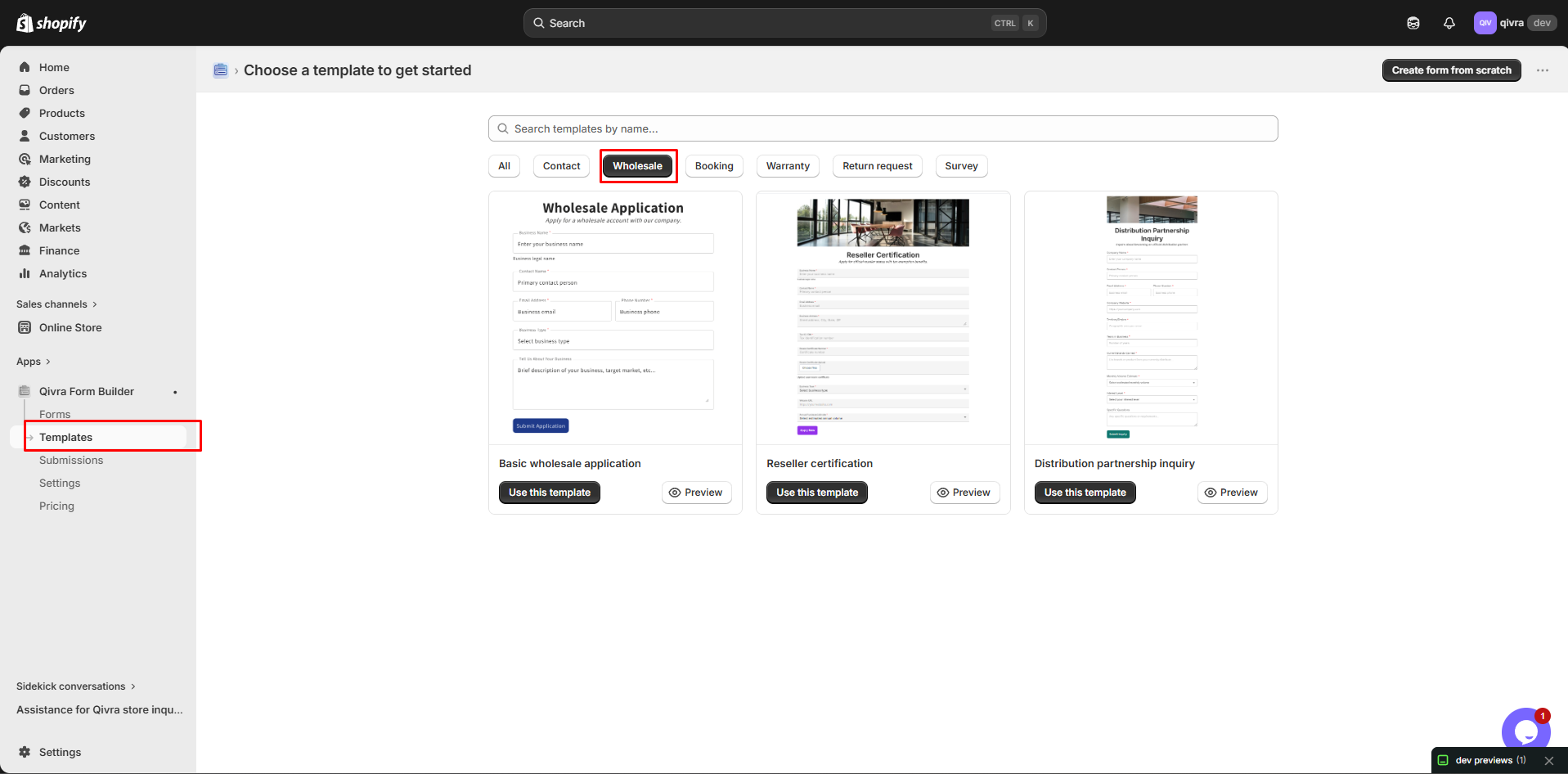
Section titled “Using a Wholesale Template”Step 1: Access Templates
Section titled “Step 1: Access Templates”- Go to Qivra Form Builder
- Click Templates
- Filter by “Wholesale” category
Step 2: Preview and Select
Section titled “Step 2: Preview and Select”- Preview available templates
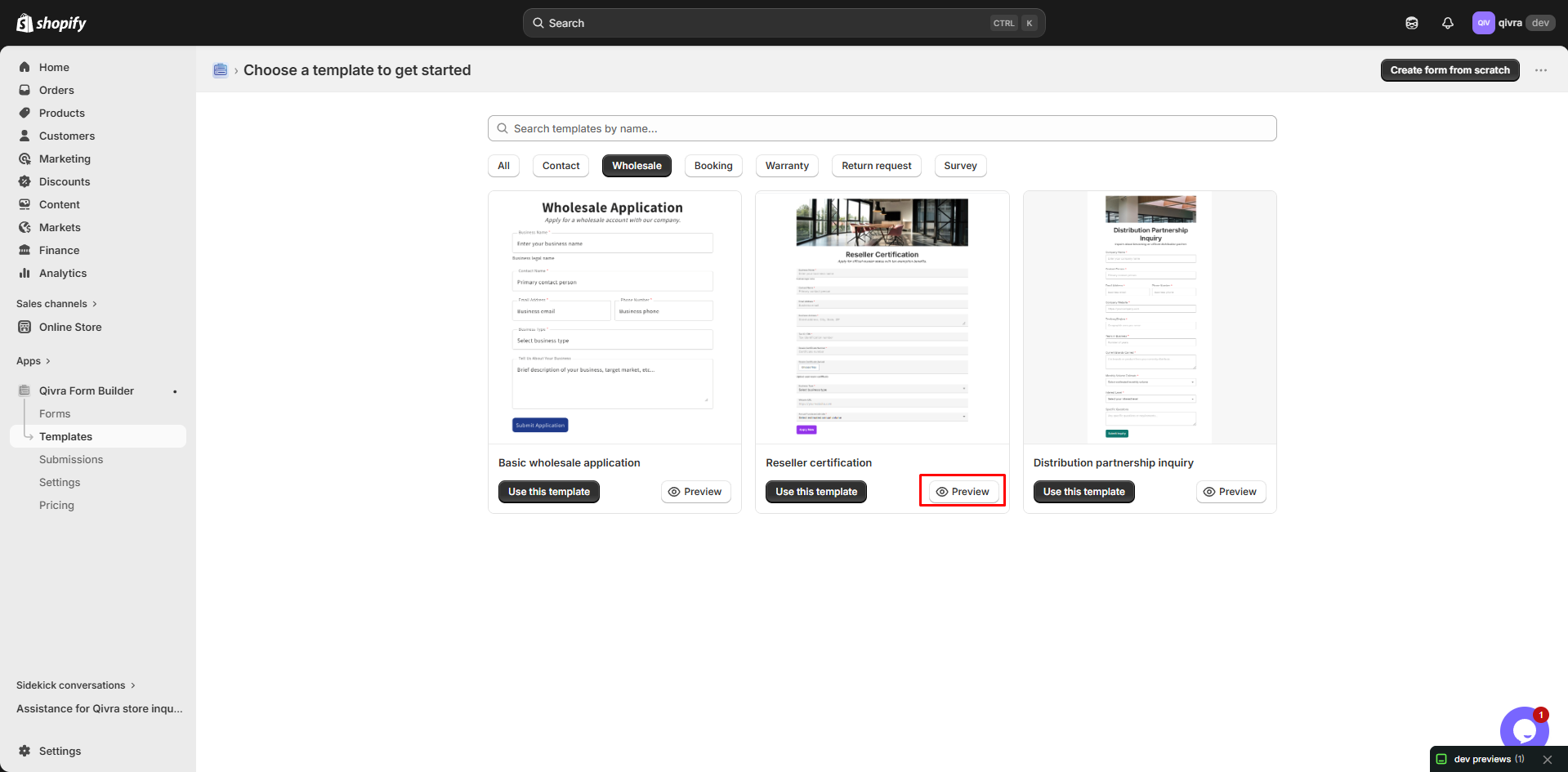
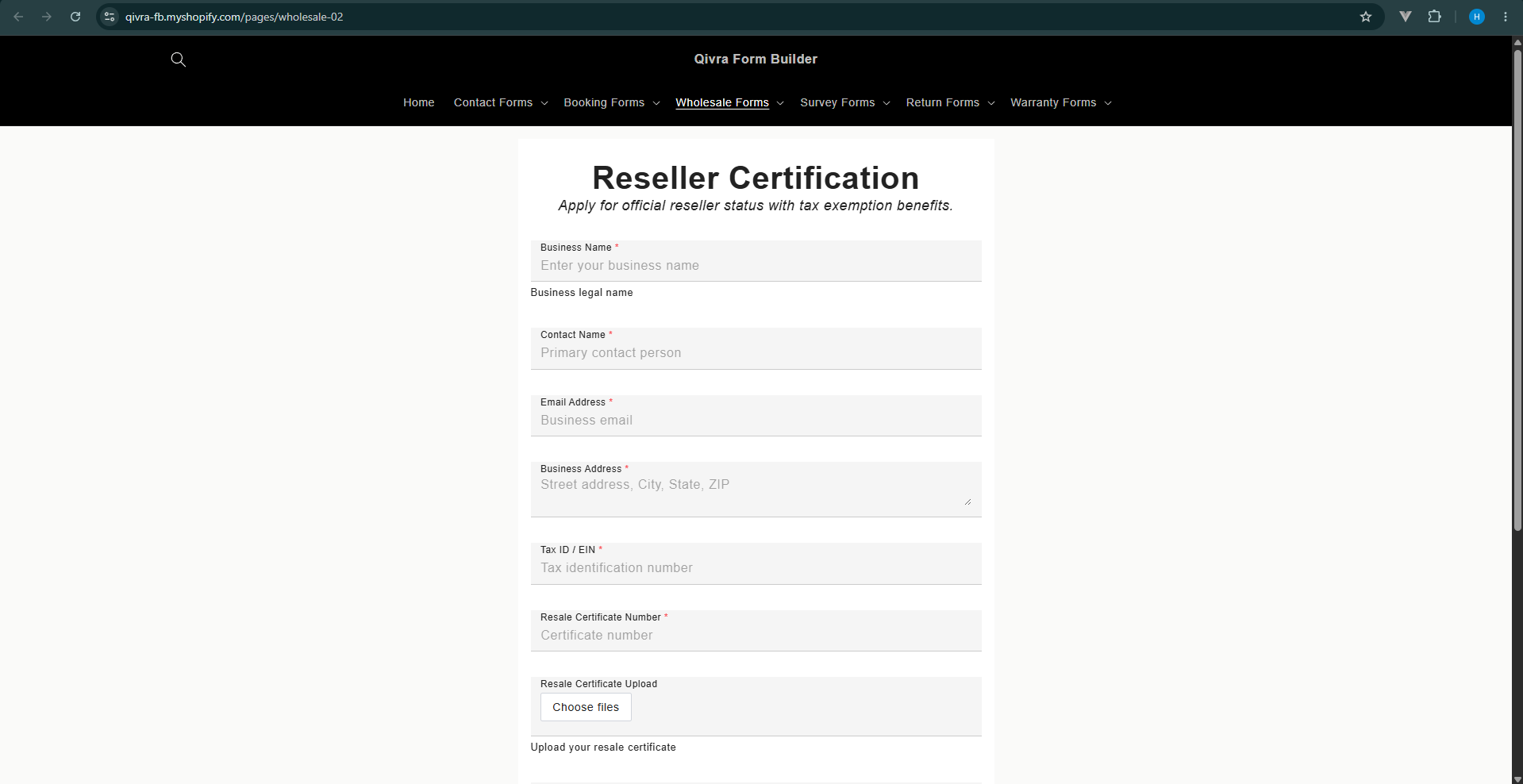
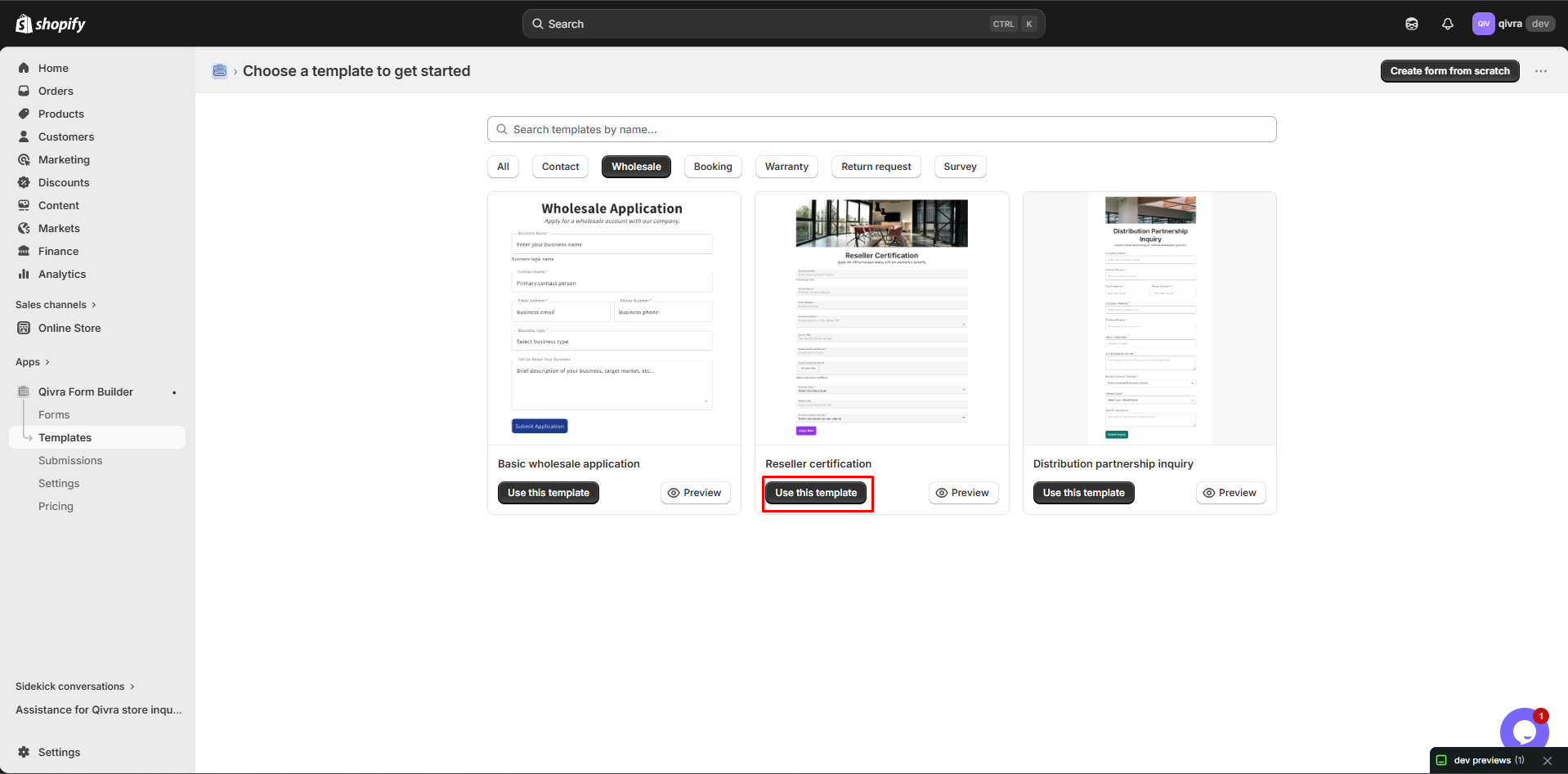
- Choose one that fits your needs
- Click Use this template
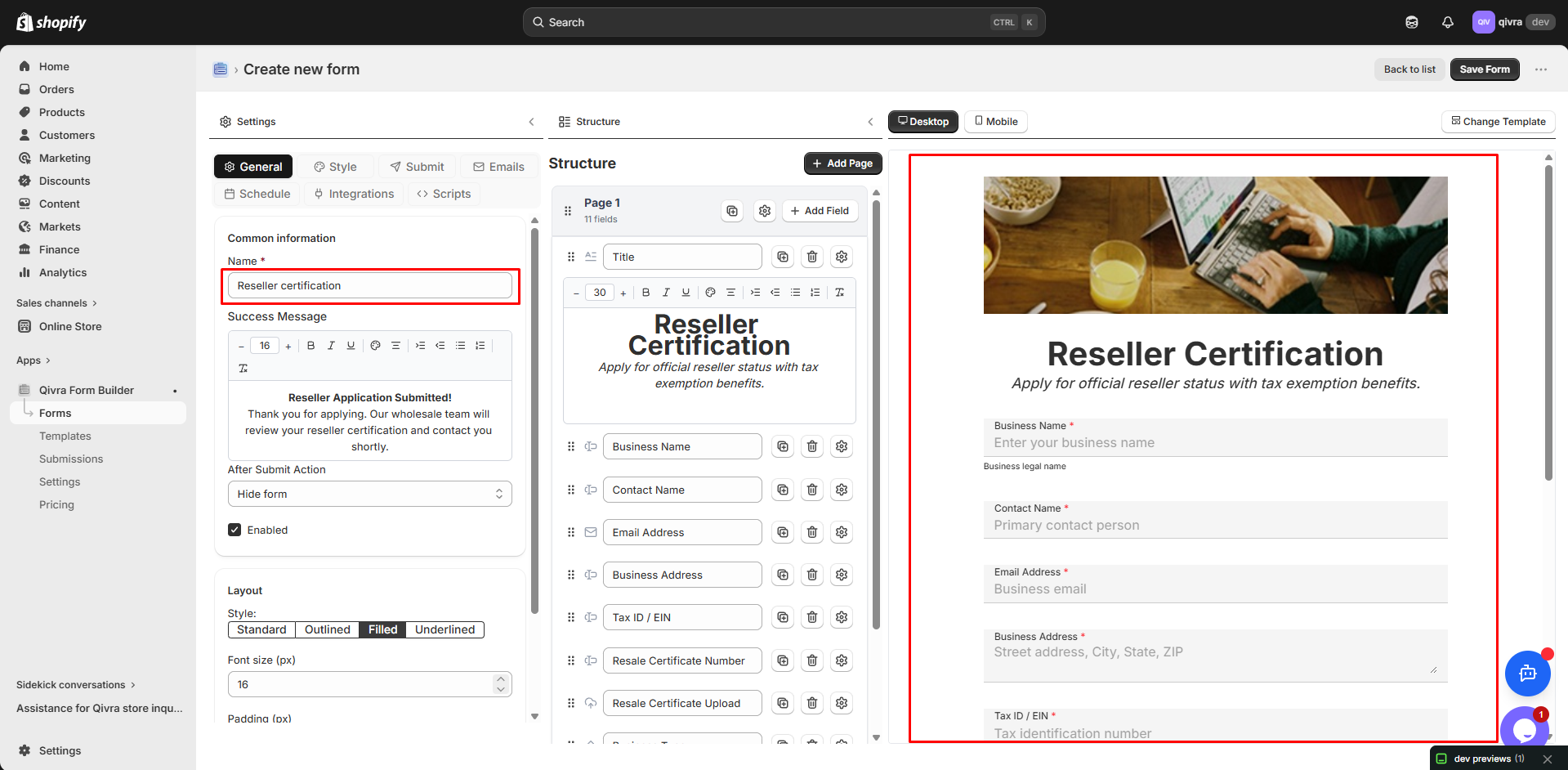
Step 3: Customize
Section titled “Step 3: Customize”Modify for your business:
- Adjust required fields
- Add product-specific options
- Include your terms
- Update branding
Customizing Wholesale Forms
Section titled “Customizing Wholesale Forms”Business Type Options
Section titled “Business Type Options”Common business type options:
| Option | Description |
|---|---|
| Retail Store | Physical storefront |
| Online Store | E-commerce only |
| Distributor | Sells to other businesses |
| Manufacturer | Makes products |
| Service Provider | Uses products in services |
| Other | Catch-all option |
Volume Categories
Section titled “Volume Categories”Help applicants estimate volume:
| Category | Range |
|---|---|
| Small | Under $1,000/month |
| Medium | $1,000 - $5,000/month |
| Large | $5,000 - $20,000/month |
| Enterprise | Over $20,000/month |
Product Interest
Section titled “Product Interest”List your product categories:
- Create a Multi-Select field
- Add your product categories
- Allow multiple selections
- Helps with qualification
Required Documents
Section titled “Required Documents”Add file upload for verification:
| Document | Purpose |
|---|---|
| Business License | Verify legitimacy |
| Tax Certificate | Tax exemption |
| Resale Certificate | Sales tax exemption |
| Product Photos | Current retail setup |
Multi-Step Wholesale Forms
Section titled “Multi-Step Wholesale Forms”Break long forms into steps:
Recommended Structure
Section titled “Recommended Structure”Step 1: Contact Information
- Business Name
- Contact Name
- Phone
Step 2: Business Details
- Business Type
- Tax ID
- Years in Business
- Annual Revenue
Step 3: Business Address
- Street Address
- City
- State/Province
- Postal Code
- Country
Step 4: Order Information
- Product Interest
- Expected Volume
- Preferred Payment Terms
Step 5: Additional Information
- Website
- References
- Comments
- Document Upload
Benefits of Multi-Step
Section titled “Benefits of Multi-Step”| Benefit | Why It Matters |
|---|---|
| Less overwhelming | Easier to complete |
| Progress tracking | Users see progress |
| Conditional logic | Show relevant fields |
| Better completion | Higher finish rate |
Wholesale Form Best Practices
Section titled “Wholesale Form Best Practices”Qualification Questions
Section titled “Qualification Questions”Include questions that help you qualify leads:
| Question | What It Reveals |
|---|---|
| Business type | Fit with your model |
| Years in business | Stability |
| Order volume | Revenue potential |
| Current brands | Competition |
| Target market | Audience alignment |
Required vs. Optional
Section titled “Required vs. Optional”| Make Required | Keep Optional |
|---|---|
| Contact info | Website |
| Business name | Social media |
| Tax ID | References |
| Product interest | Comments |
Clear Expectations
Section titled “Clear Expectations”Set expectations in the form:
After submitting:- We'll review your application within 2-3 business days- Approved accounts receive login credentials via email- Minimum first order: $500- Payment terms: Net 30 for approved accountsProcessing Wholesale Applications
Section titled “Processing Wholesale Applications”Notification Setup
Section titled “Notification Setup”- Route to sales team email
- Include all key information
- Add internal notes section
Application Workflow
Section titled “Application Workflow”- Receive - Get notification
- Review - Check qualification criteria
- Verify - Validate business info
- Decide - Approve or decline
- Respond - Contact applicant
Response Templates
Section titled “Response Templates”Approval Email:
Dear {business_name},
Congratulations! Your wholesale application has been approved.
Your account details:- Login URL: [wholesale portal]- Username: {email}- Password: [temporary password]
Minimum order: $500Payment terms: Net 30
Welcome to our wholesale program!
Decline Email:
Dear {business_name},
Thank you for your interest in our wholesale program.
After careful review, we're unable to approve your application at this time.
We encourage you to:- Continue shopping at our retail store- Reapply in 6 months if circumstances change
Thank you for your understanding.
Displaying Wholesale Forms
Section titled “Displaying Wholesale Forms”Dedicated Wholesale Page
Section titled “Dedicated Wholesale Page”Create a professional wholesale page:
- Explain your wholesale program
- List requirements and benefits
- Include the application form
- Add FAQ section
Access Control
Section titled “Access Control”Control who sees the form:
| Method | How |
|---|---|
| Password page | Shopify password protection |
| Hidden page | No public navigation |
| Customer login | Only logged-in customers |
Link in Navigation
Section titled “Link in Navigation”Add wholesale link:
- Footer links
- About page
- Contact page