Priority, Status, and Effective Period
This guide explains the three General settings that control when a price list applies and which list wins: Priority, Status, and Effective period.
Status
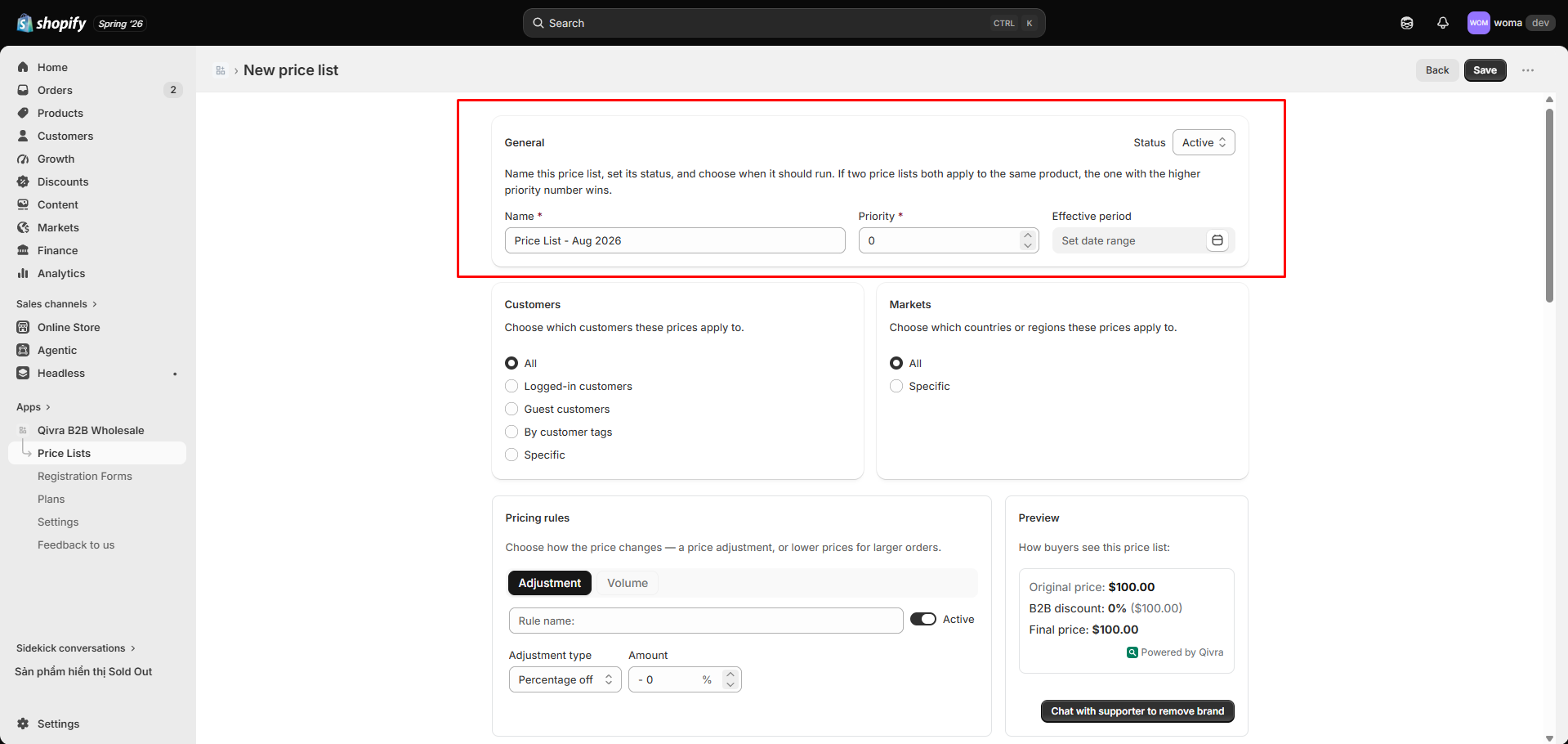
Section titled “Status”Every price list has one of two statuses:
| Status | Behavior |
|---|---|
| Active | Applied to matching customers/products/markets (and inside its effective period, if set). |
| Inactive | Not applied anywhere. Safe state while configuring, or to pause a list without deleting it. |
Switch between the two in the editor, or flip the status toggle directly in the price lists table. A list must have at least one rule (discount or price break) before its pricing is applied.
Priority
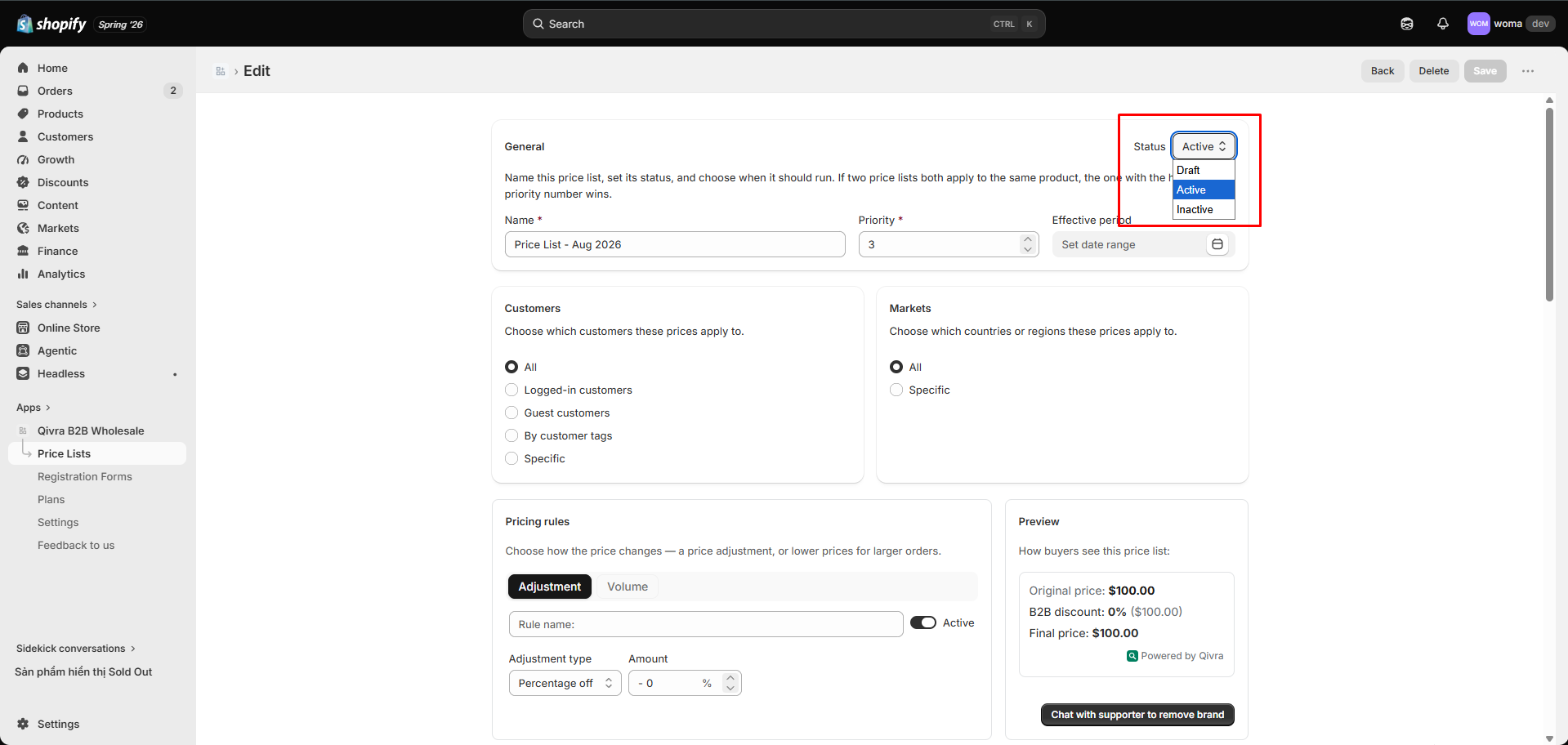
Section titled “Priority”Priority is a number in the General settings. When two or more Active price lists match the same customer, market, and product, the higher priority wins.
Conflict resolution example
Section titled “Conflict resolution example”| Price list | Customer tag | Priority |
|---|---|---|
| Wholesale 10% | wholesale | 10 |
| VIP 20% | wholesale + vip | 20 |
A customer tagged both wholesale and vip qualifies for both lists. Because VIP 20% has the higher priority, they get 20% off.
Use priority to layer audiences without overlapping discounts.
Effective period
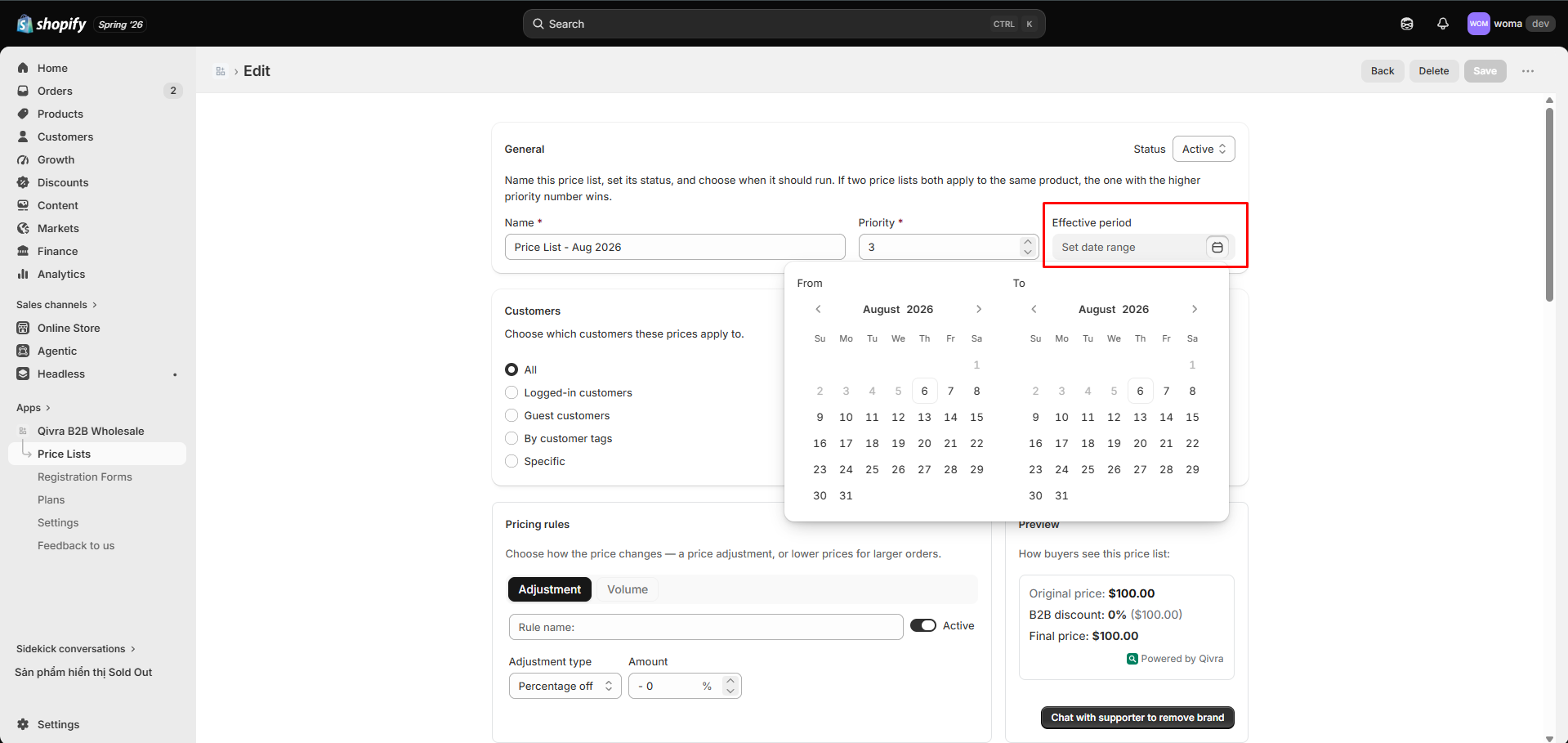
Section titled “Effective period”The Effective period is an optional date range that schedules a price list:
- From — the date (and time) the list starts applying.
- To — the date (and time) the list stops applying. Leave To empty (No end) for an open-ended list.
If both From and To are empty, the list is governed only by its Status.
How scheduling runs
Section titled “How scheduling runs”A background scheduler checks your price lists every minute. It compares each list’s effective window with the current time (the window is inclusive at the start, exclusive at the end) and automatically:
- Marks an Active list effective when its From time arrives — its pricing starts applying.
- Marks it no longer effective when its To time passes — its pricing stops applying.
The scheduler never changes your list’s Status — that stays under your control. After each flip it re-syncs the storefront metafield, so prices update without manual intervention.
”Outside window” badge
Section titled “”Outside window” badge”In the price lists table, a list that is Active but currently outside its effective window shows an Outside window badge. This tells you the list exists and is configured, but isn’t applying prices right now.
Effective window rules
Section titled “Effective window rules”- From must be before To. The app rejects an invalid window with an error.
Putting it together: status vs. effective period
Section titled “Putting it together: status vs. effective period”| Setting | Controls |
|---|---|
| Status | Whether the list is enabled at all |
| Effective period | When (in time) an enabled list actually applies |
Think of it as: Status is the on/off switch; Effective period is the timer on that switch.