Quote Settings
This guide explains the Settings tab of the Quotes page — the defaults applied to every new quote. Per-quote overrides always win when you set them.
Open quote settings
Section titled “Open quote settings”- Go to Quotes in the sidebar.
- Open the Settings tab.
- Adjust the fields below and click Save settings.
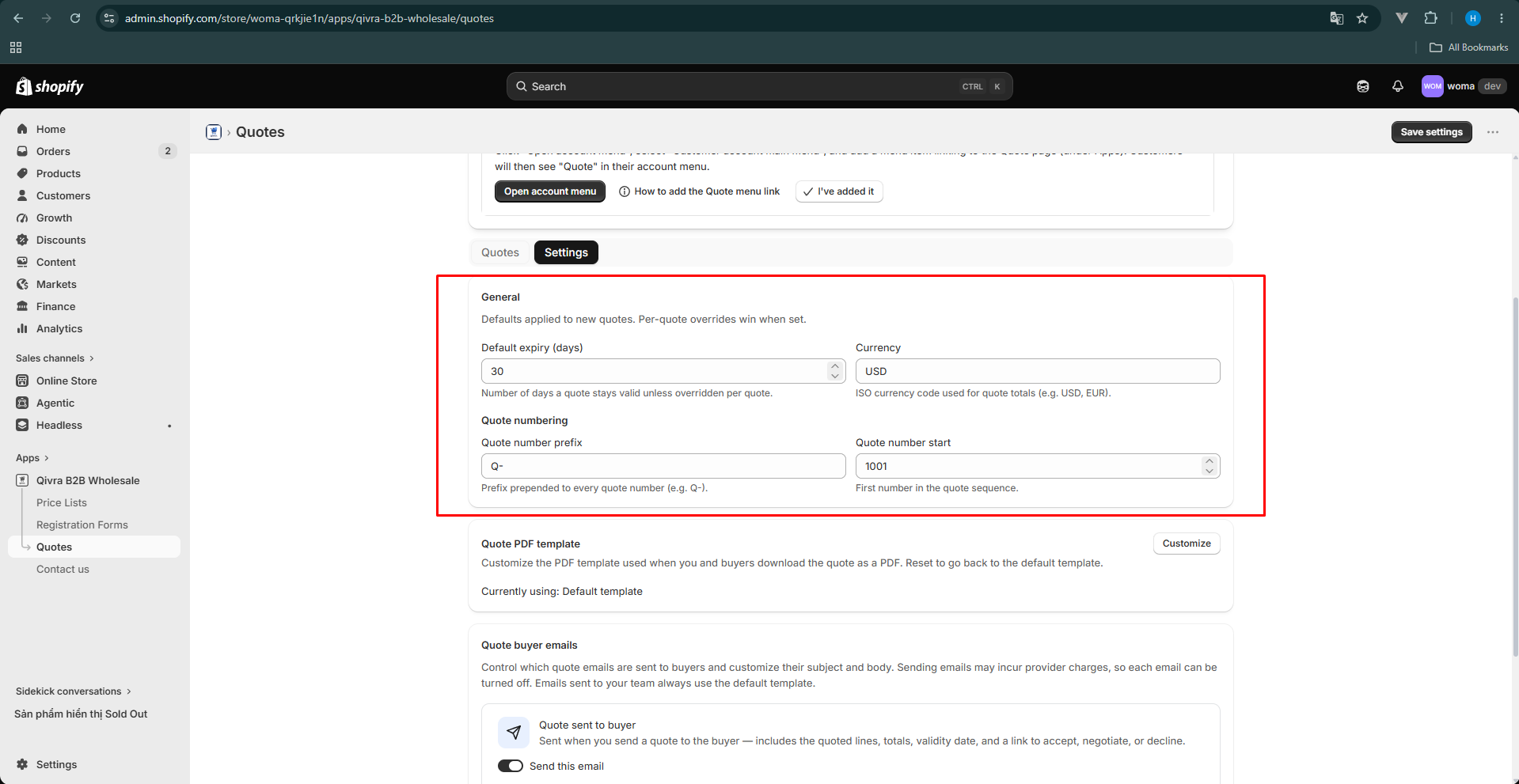
General settings
Section titled “General settings”| Setting | What it does |
|---|---|
| Default expiry (days) | How many days a new quote stays valid unless you override it per quote. Default: 30. |
| Currency | ISO currency code used for quote totals (e.g. USD, EUR). |
Quote numbering
Section titled “Quote numbering”Consistent numbering keeps your quotes organized and looks professional on PDFs and invoices.
| Setting | What it does |
|---|---|
| Quote number prefix | Text prepended to every quote number, e.g. Q- produces Q-0001, Q-0002, … |
| Quote number start | The first number in the quote sequence. Use this to continue an existing numbering scheme from another tool. |
Example
Section titled “Example”With prefix QT- and start 100, your quotes are numbered QT-100, QT-101, QT-102, and so on.
What is not configured here
Section titled “What is not configured here”- The PDF layout is customized separately in the template editor — see Customize the quote PDF template.
- The emails buyers receive are managed per email kind — see Buyer email templates.
- Per-quote values (expiry, prices, discount) are set in the quote builder and always override these defaults.