Upgrade to Premium
Upgrade to Premium to unlock unlimited offers, back-in-stock notifications, advanced integrations, and more.
How to Upgrade
Section titled “How to Upgrade”Step 1: Open Pricing Page
Section titled “Step 1: Open Pricing Page”- Open Qivra PreOrder from your Shopify admin
- Click Pricing in the sidebar
Step 2: Select a Plan
Section titled “Step 2: Select a Plan”Choose your preferred billing cycle:
- Monthly: $19.99/month
- Annual: $15.99/month (billed annually, save ~20%)
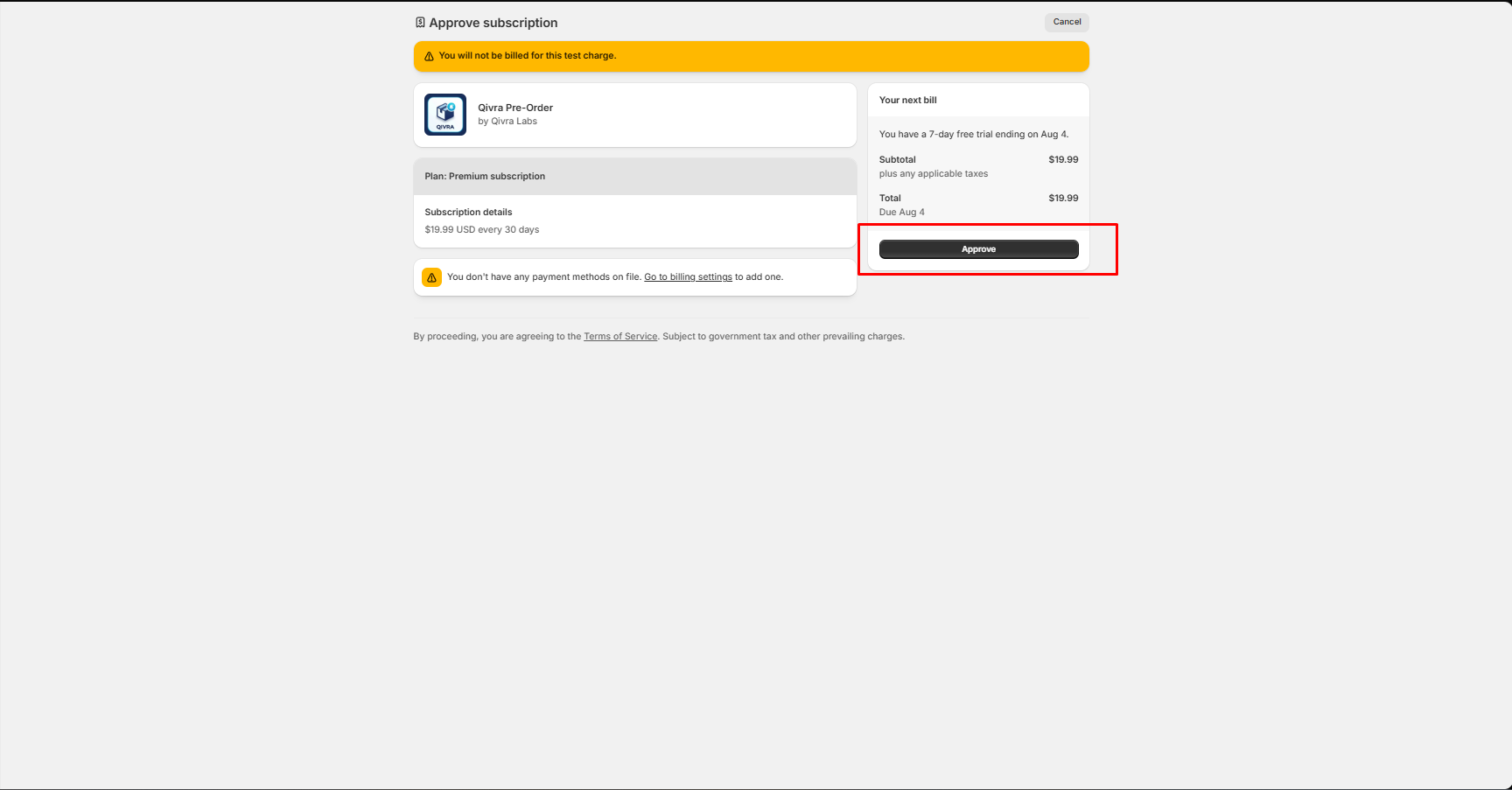
Step 3: Approve Billing
Section titled “Step 3: Approve Billing”Click Subscribe and approve the charge through Shopify’s billing system. You will be redirected to Shopify to confirm the subscription.
Step 4: Confirmation
Section titled “Step 4: Confirmation”After approval, you are redirected back to the app. Premium features are available immediately.
What Happens When You Upgrade
Section titled “What Happens When You Upgrade”- All existing offers and orders remain unchanged
- Features that were locked (pay-nothing, back-in-stock, per-customer limits) become available
- You can immediately create more than 5 active offers
- Activity log retention extends from 30 to 90 days
Downgrading
Section titled “Downgrading”To downgrade to the Free plan:
- Cancel the subscription from Shopify billing settings
- Premium access continues until the end of the current billing period
- After downgrading:
- Existing offers beyond the Free plan limit remain but cannot be edited
- Premium-only features (back-in-stock, pay-nothing) are disabled
- New offers are subject to Free plan limits